FOR PARENTS OF LITTLE ONES (0+)
Their telly, minus the algorithm
A calm TV menu for your child, built from the services you already pay for.
You're on the list. One email when it launches.
One more thing — what would they watch on most?
Noted — thanks. That genuinely helps me decide what to build first.
No spam. See our privacy note.
You know this moment.
You open the app for the one show you actually like.
The home screen got there first — trailers, six rows of thumbnails, that programme front and centre.
Now it's a negotiation. Sometimes a tantrum.
Age ratings don't fix it. The shows you'd rather skip are rated fine — they're just not what you want in your child's head.
This is all they see.
Every show and film you've chosen, big and friendly. Adding things happens in parent mode — kids never see it. That's the whole app.
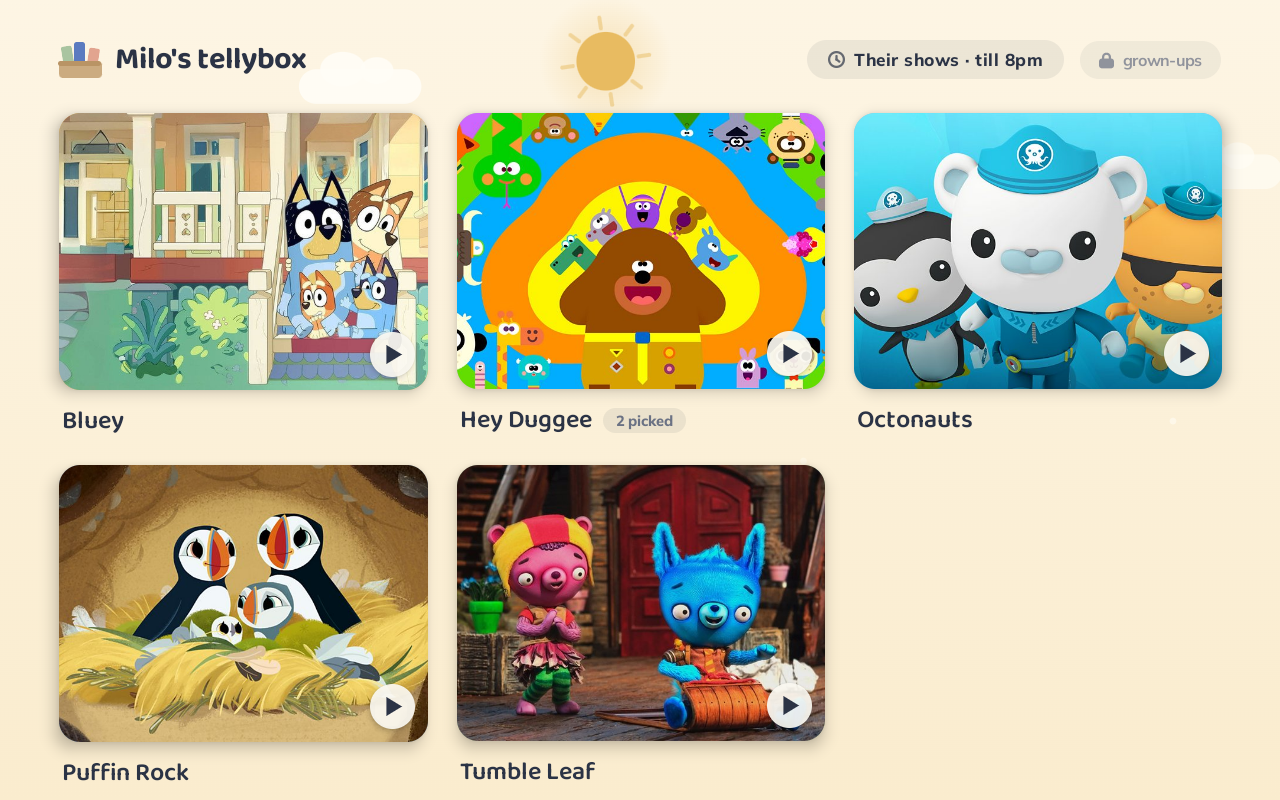
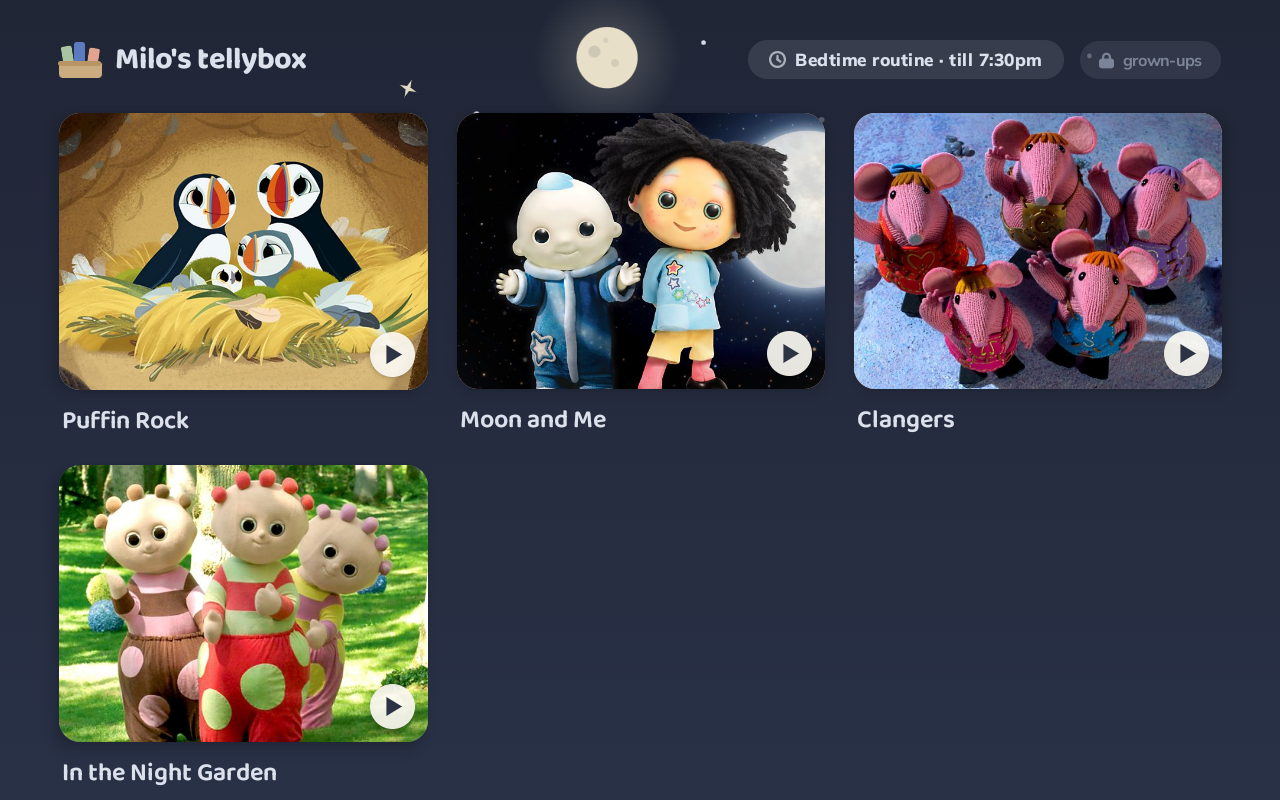
7AM – 6PM · daytime picks
6PM – 7AM · bedtime picks
Bedtime gets its own tellybox.
Streaming apps show every show, all the time — glaring white at 7PM, Paw Patrol at bedtime. Tellybox lets you set a schedule instead, with a different tellybox for each part of the day.
Each one gets its own theme and its own picks — sunny and flowery with the daytime favourites, then moon and stars with only the calm, sleepy ones once bedtime is near.
Your side of the tellybox.
Behind the grown-ups button: pick shows, pick episodes, set the schedule. Kids never see any of it.
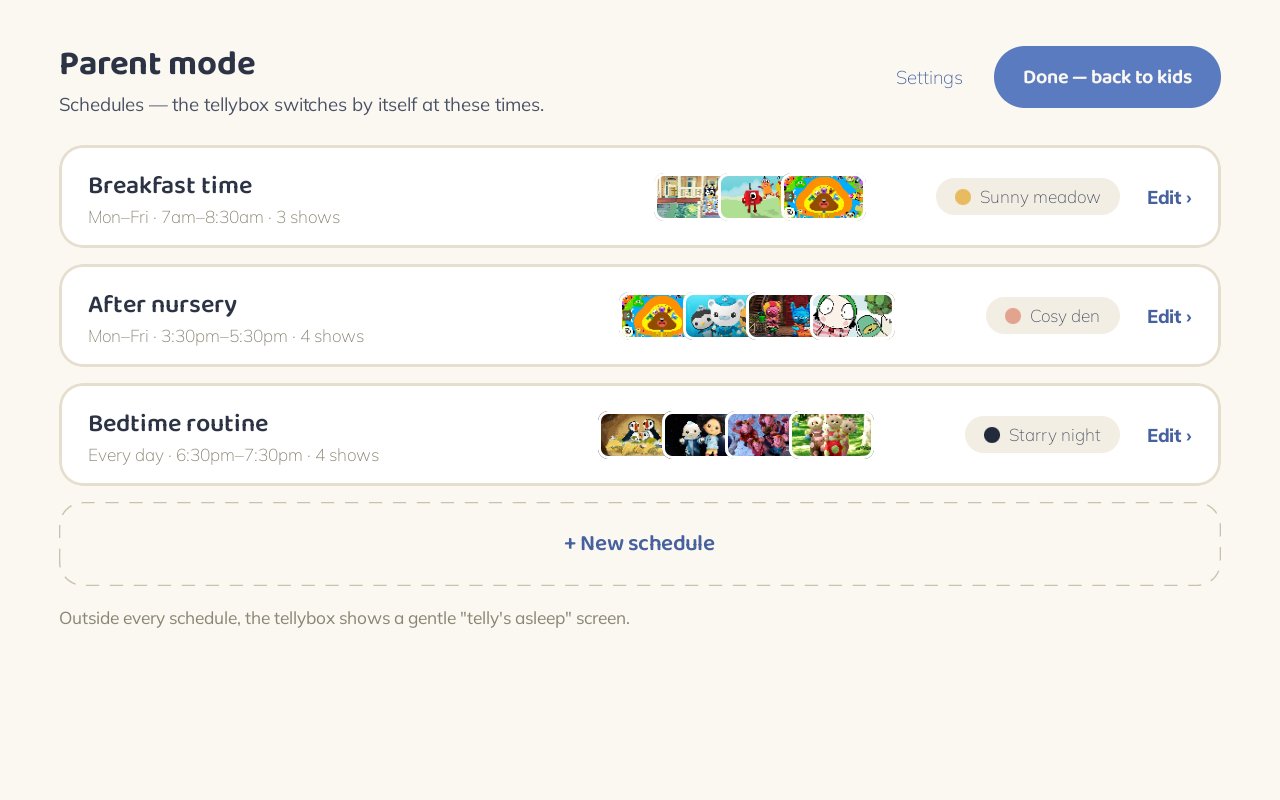
Set the schedule. The tellybox switches by itself — breakfast shows at 7am, calm ones at bedtime.
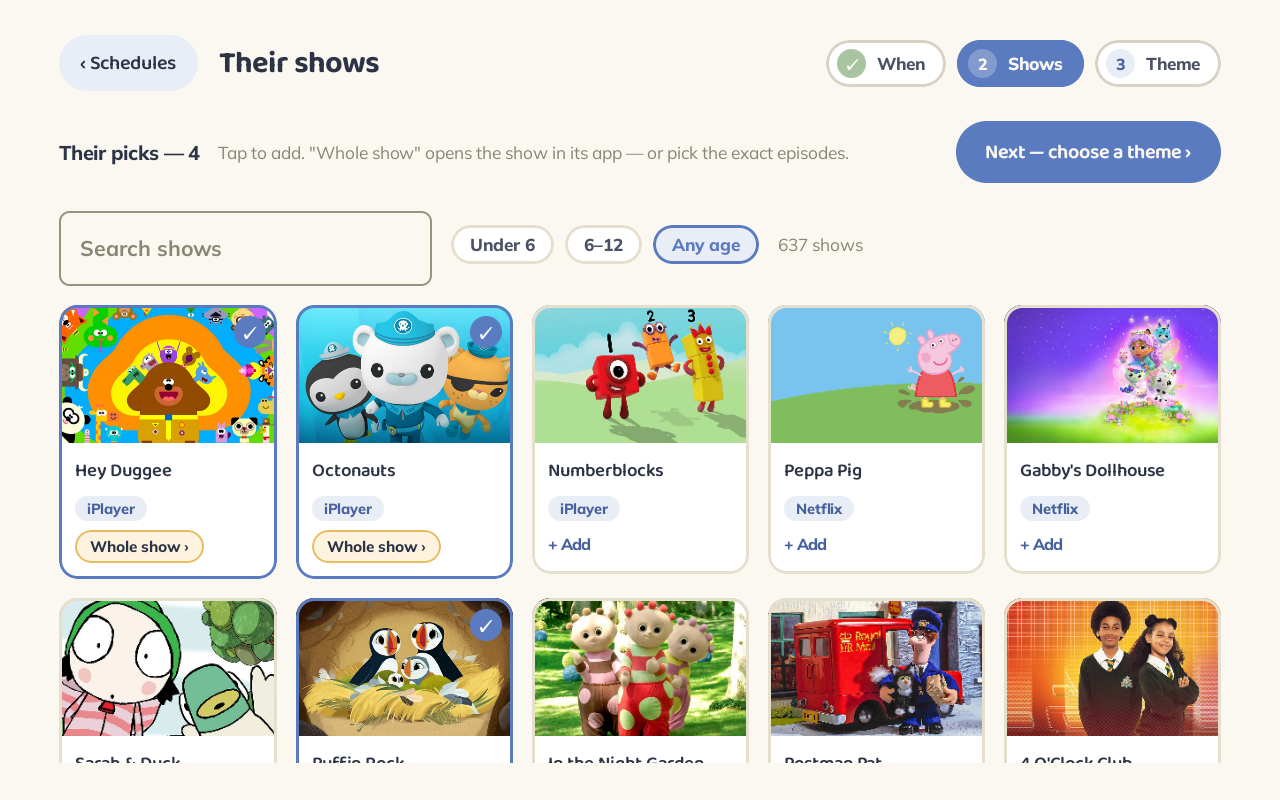
Add their shows. Search once — we already know which of your services has each one.
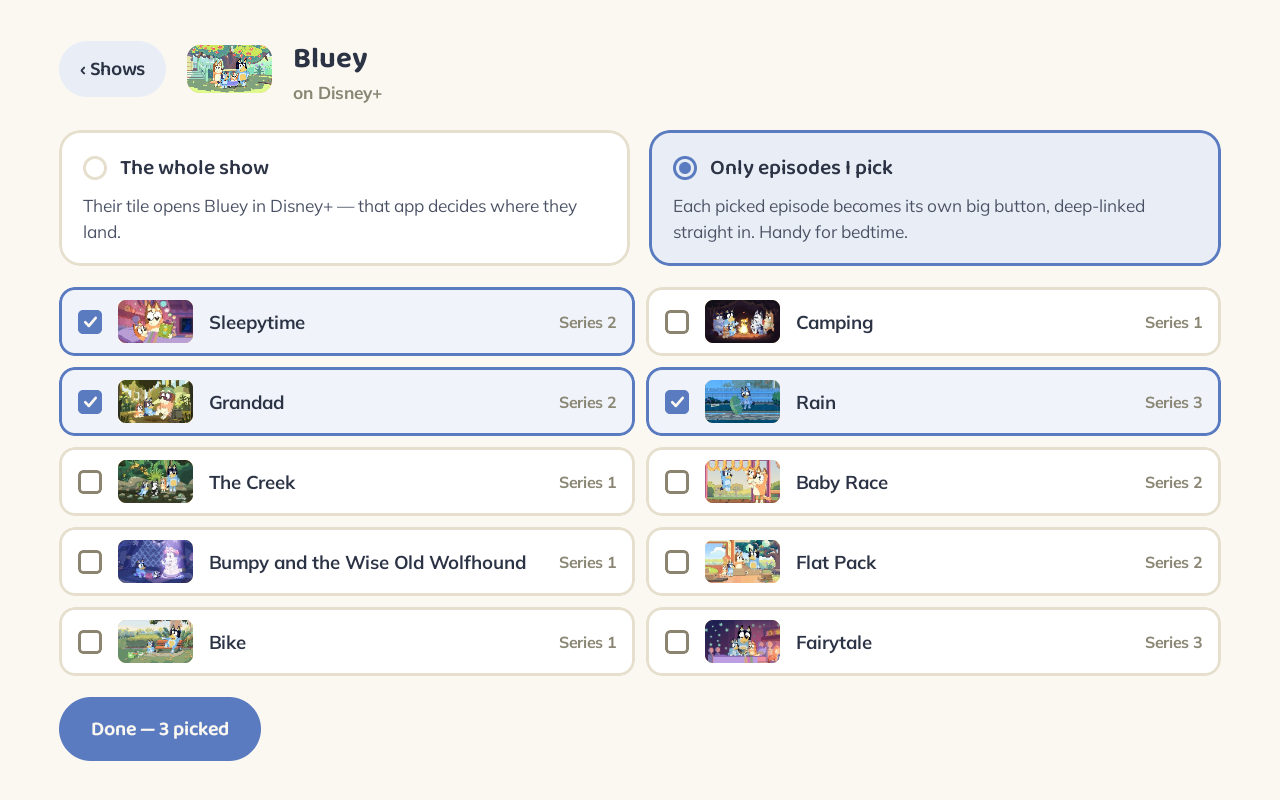
Down to the episode. Whole show, or just the sleepy ones — each pick becomes its own big button.
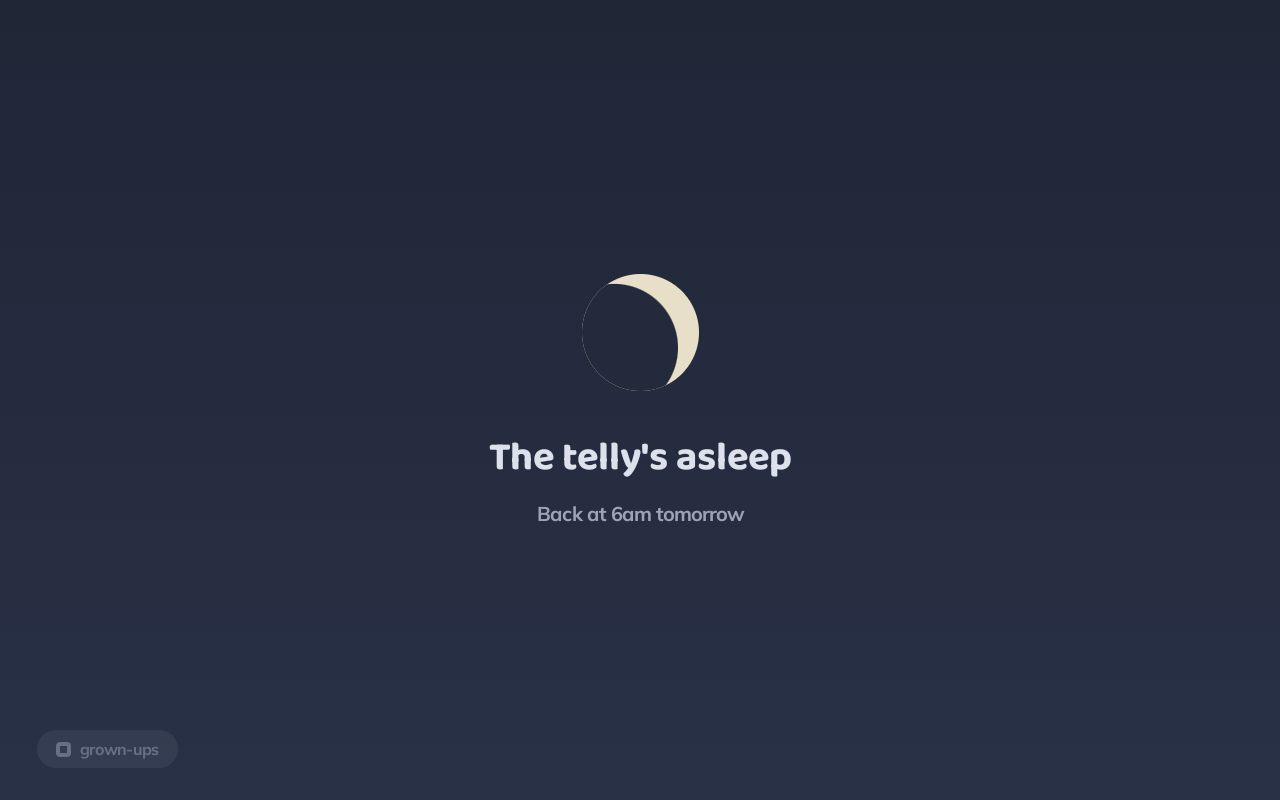
And when it's not telly time? A gentle "telly's asleep" screen. No arguing with a moon.
No more menu battles.
The show that causes the meltdown simply isn't on the screen. You can't fight over what isn't there.
Works with what you already pay for.
Tellybox isn't another subscription full of content. It's a front door to the services you have.
Nothing to monitor.
No child accounts, no tracking, no data about your child collected — ever. Tellybox doesn't know who's watching. It just shows your picks.
What Tellybox doesn't do
Tellybox solves choosing, not stopping. When an episode ends, you're in Netflix's world again — I can't reach in and switch off their autoplay. Pair Tellybox with your tablet's screen-pinning or Guided Access and you've got both halves covered.
Questions, answered
{{ f.a }}
Fill your tellybox before they're back from nursery.
You're on the list. One email when it launches.
One more thing — what would they watch on most?
Noted — thanks. That genuinely helps me decide what to build first.
One email when it launches. See our privacy note.